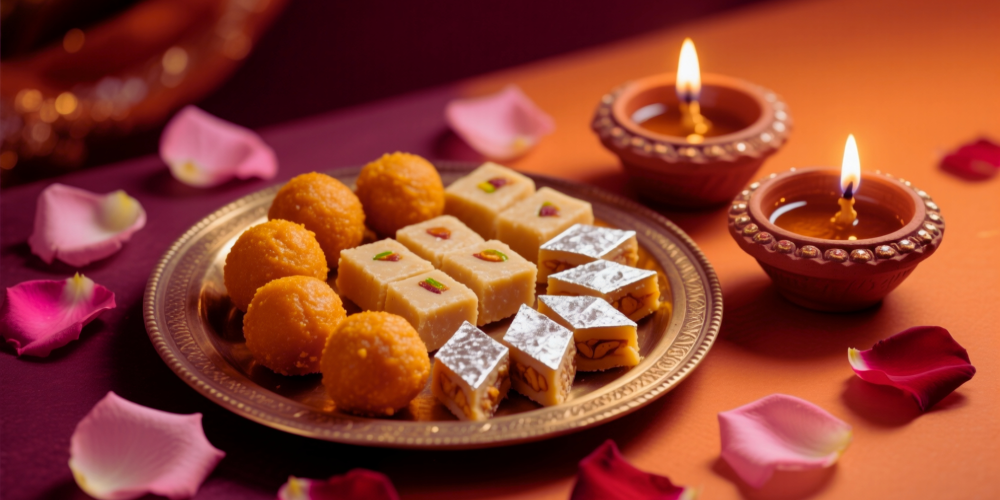
Festivals are when Indian shoppers buy the most — and WhatsApp is where they already are. Here’s a simple, repeatable playbook to run a Diwali sale (or any festival sale) on QuicShop, from creating the offer to sending the campaign and reading the results.
Why festivals matter
Diwali, Holi, Eid, Navratri and Onam each bring a spike in buying intent. A timed offer sent to your existing customers — people who already trust you — is one of the highest-return things you can do all year. The key is to plan it a few days ahead and reach customers on a channel they actually open.
Step 1 — Create the sale
In the Seller Console, set up a festival offer:
- Pick your top products — the ones with margin to discount.
- Set the discount (a flat % is simplest for a festival push).
- Give it a start and end date so it feels time-bound.
Tip: The AI Stream may surface a “Create a Diwali sale?” suggestion with products that have room for a discount — a one-tap starting point.
Step 2 — Build your audience
Your best audience is people who’ve already bought from you. Use your customer list and, if you like, segment it — for example, customers who bought in the last six months, or buyers of a specific category.
Step 3 — Send the WhatsApp campaign
This is the part a separate tool usually charges for — it’s built in here:
- Choose a DLT-approved template and write a short, warm message with the offer and a link.
- Attach the collection or product so customers can browse and order inside WhatsApp.
- Send to your selected audience.
Keep the message short, lead with the offer, and include one clear call to action.
Step 4 — Track the results
After sending, watch the numbers in your Stream:
- Delivered and open rate
- Orders placed from the campaign
- Revenue attributed to the send
That tells you what worked, so the next festival campaign is sharper.
Make it a habit
The same four steps work for every festival on the calendar. Plan the sale a week out, send the WhatsApp campaign a day or two before the peak, and let order updates and tracking go out automatically. To set up the channel first, see WhatsApp order updates & DLT SMS.
Frequently asked
Do I need a separate tool to run a WhatsApp campaign?
No. WhatsApp commerce and campaigns are built into QuicShop, so you create the sale and send the broadcast from the same place your orders live.
Is WhatsApp marketing compliant in India?
Yes, when done through approved templates. QuicShop sends via DLT-compliant routes and provides the standard templates, so your messages reach customers instead of being blocked.
Which festivals work best?
Diwali is the biggest, but Holi, Eid, Navratri and Onam all drive strong demand. The same playbook applies to each — plan the sale a week ahead.