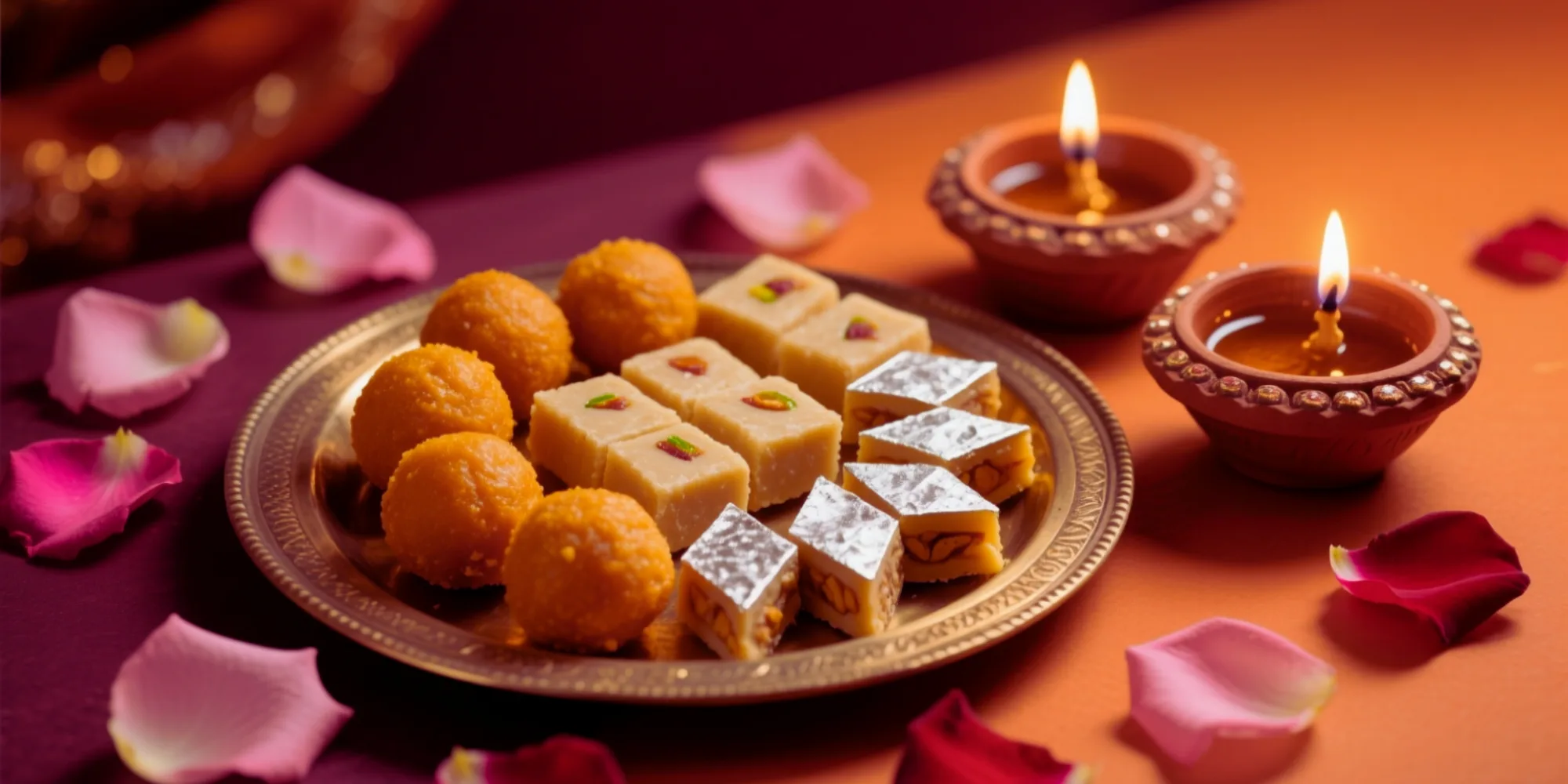
Festivals are when Indian shoppers buy the most — and WhatsApp is where they already are. Here’s a simple, repeatable playbook to run a Diwali sale (or any festival sale) on QuicShop, from creating the offer to sending the campaign and reading the results.
Why festivals matter
Diwali, Holi, Eid, Navratri and Onam each bring a spike in buying intent. A timed offer sent to your existing customers — people who already trust you — is one of the highest-return things you can do all year. The key is to plan it a few days ahead and reach customers on a channel they actually open.
Step 1 — Create the sale
In the Seller Console, set up a festival offer:
- Pick your top products — the ones with margin to discount.
- Set the discount (a flat % is simplest for a festival push).
- Give it a start and end date so it feels time-bound.
Tip: The AI Stream may surface a “Create a Diwali sale?” suggestion with products that have room for a discount — a one-tap starting point.
Step 2 — Build your audience
Your best audience is people who’ve already bought from you. Because every order lives in one system, you have a real customer list to work from — start with your repeat buyers and recent customers.
Step 3 — Send the WhatsApp campaign
- Write a short, warm message with the offer and a link to the sale collection on your store — price, availability and checkout are all one tap away.
- Send it to your selected customers. Campaign broadcasts from inside QuicShop are rolling out; until then, a WhatsApp Business broadcast list carries the same message just fine.
- From the moment someone orders, confirmations and tracking updates go out on WhatsApp automatically, through DLT-compliant templates.
Keep the message short, lead with the offer, and include one clear call to action.
Step 4 — Track the results
While the sale runs, watch your Stream and analytics:
- Orders placed during the sale window
- Revenue against a normal week
- Which products moved — so next festival’s discount list is sharper
That tells you what worked, so the next festival campaign is sharper.
Make it a habit
The same four steps work for every festival on the calendar. Plan the sale a week out, send the WhatsApp campaign a day or two before the peak, and let order updates and tracking go out automatically. To set up the channel first, see WhatsApp order updates & DLT SMS.
Frequently asked
Do I need a separate tool to run a WhatsApp campaign?
For the sale itself, no — discounts, your customer list and automatic WhatsApp order updates are built into QuicShop. Campaign broadcasts from inside QuicShop are rolling out; until then, a WhatsApp Business broadcast list with your sale link works well.
Is WhatsApp marketing compliant in India?
Yes, when done through approved templates. QuicShop sends via DLT-compliant routes and provides the standard templates, so your messages reach customers instead of being blocked.
Which festivals work best?
Diwali is the biggest, but Holi, Eid, Navratri and Onam all drive strong demand. The same playbook applies to each — plan the sale a week ahead.
See QuicShop set up for your store
GST, UPI, WhatsApp and shipping built in — from ₹2,999/month. We onboard every seller personally.